




Simple, centralised SDS management for every site.
Keeping crews safe starts with knowing your hazards. Chasing down SDS documents through emails, shared drives or forgotten folders is a hazard in itself. Bring all your Safety Data Sheets into one centralised system – so safety info is never outdated or at risk of going walkabout.
Easy subcontractor uploads
Instant visibility for site managers
Automated expiry alerts
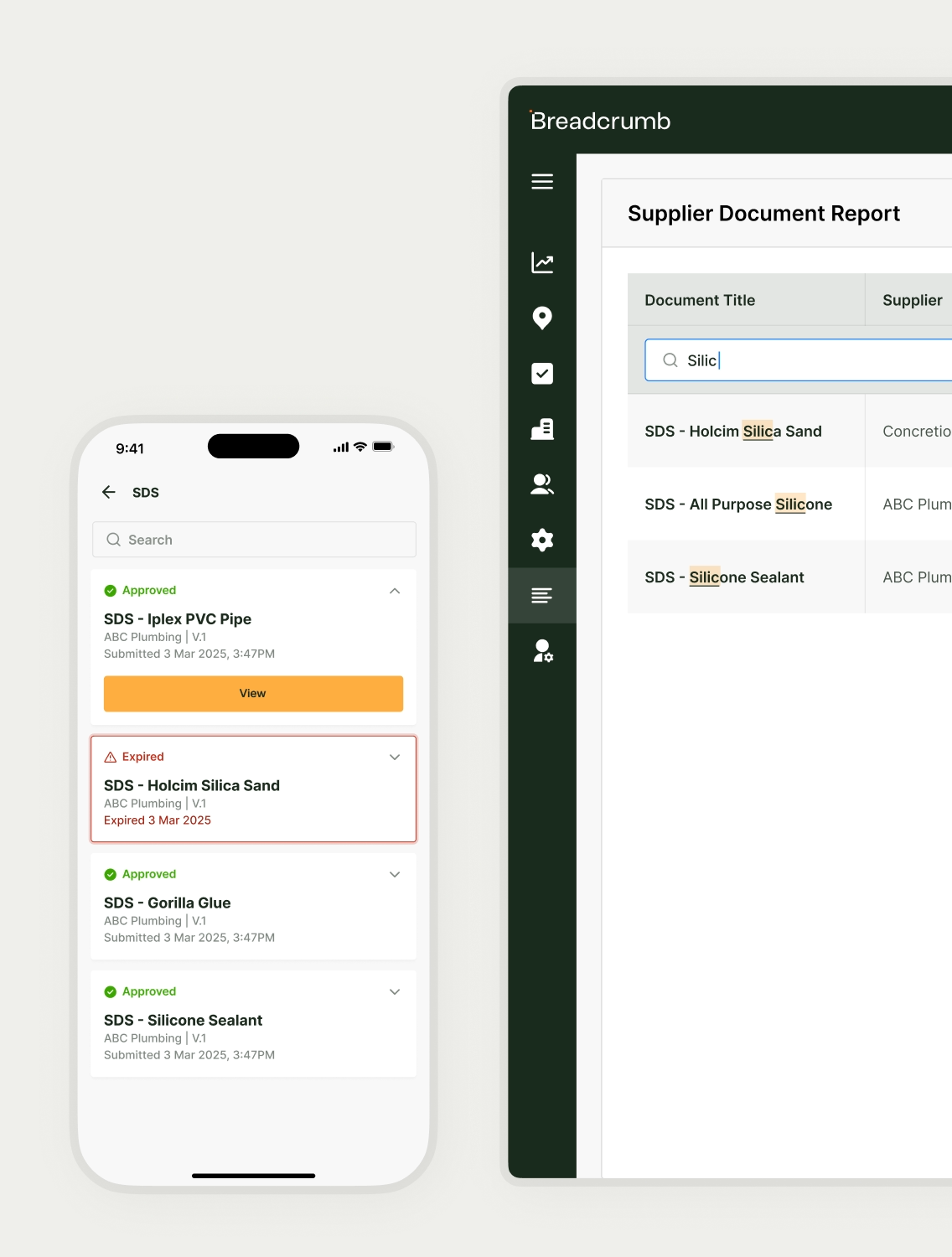
SDS sorted before the site work kicks off.

Less heavy lifting
Lost attachments and inbox hunts – those days are over. Send your subbies a link, they upload, and you get notified immediately. Every SDS lands in the right place, ready for review. Easy peasy.

Hazard info, ready in a tap
Elbow-deep in folders isn’t a safety strategy. Keep SDS documents site-specific, searchable and exportable. The moment you need the info, it’s there at your fingertips.

Always up to date
Outdated SDS documents aren’t just annoying – they’re big safety risks. Automatically track every submission and expiry date, flagging what’s due for review before it becomes a problem.
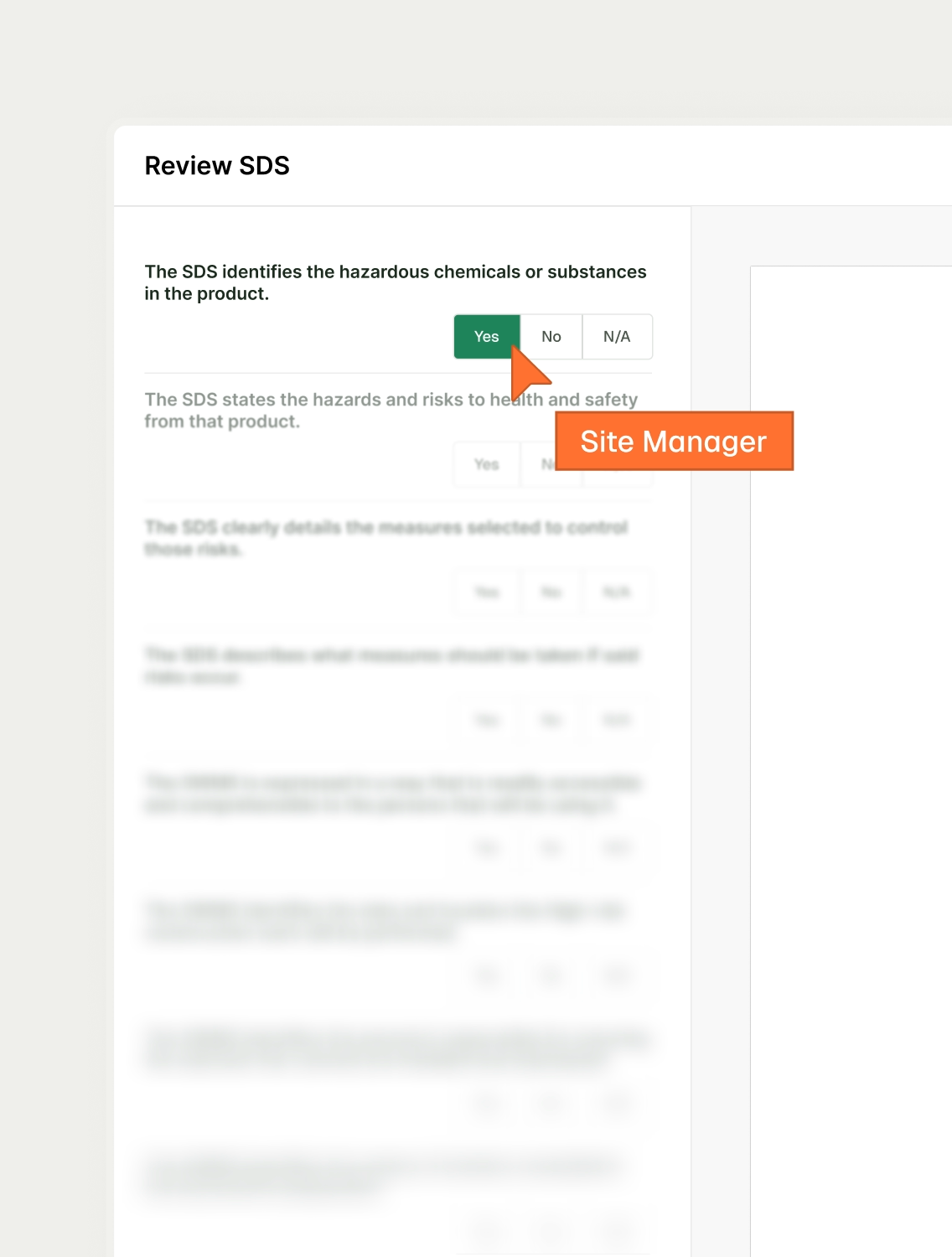
Custom review checklists.
No more switching between tabs and pages. Just open up your custom review checklist alongside each SDS document you’re reviewing. Save it once and reuse to your heart’s content.
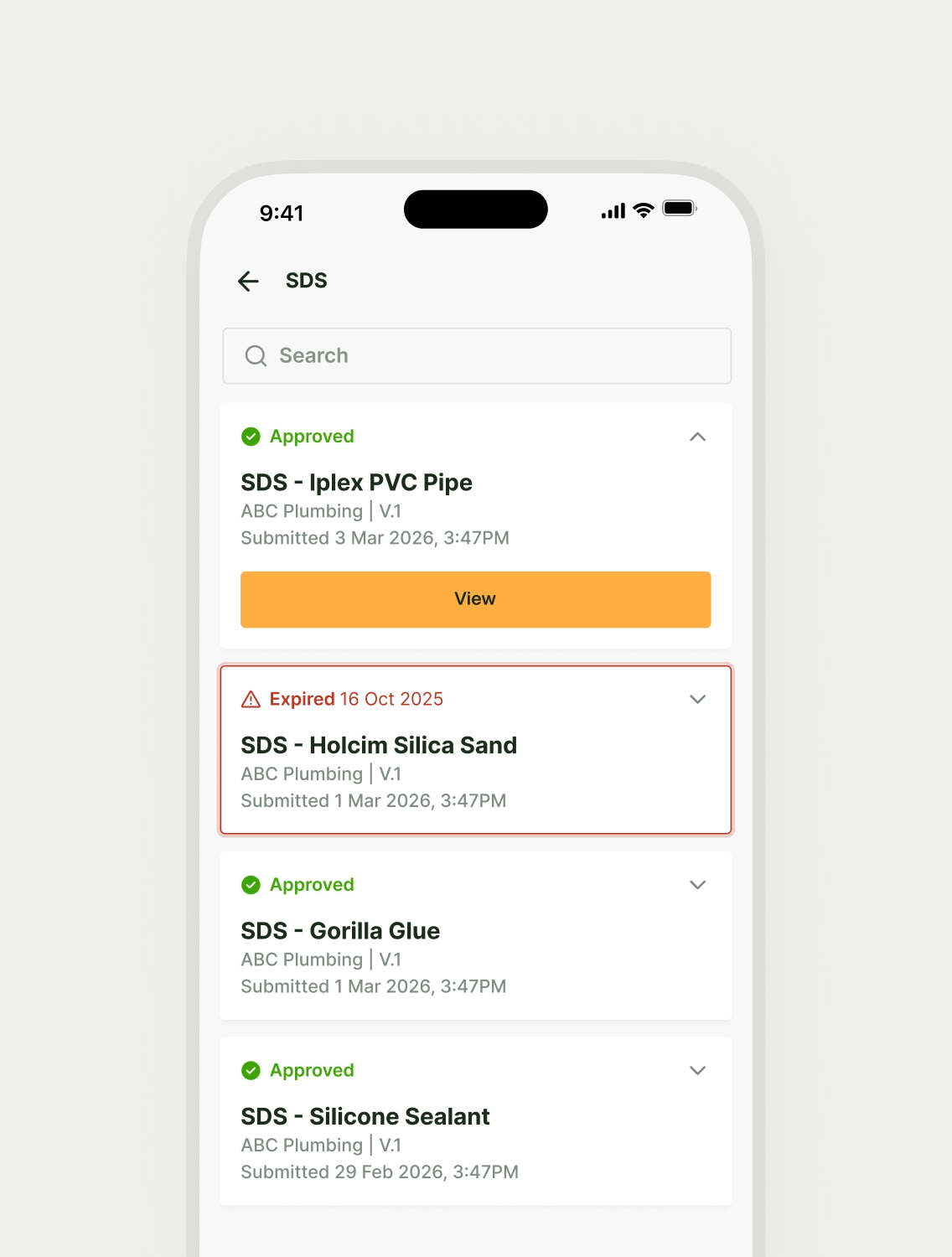
Automatic expiry alerts.
Nothing derails a day faster than realising a critical date slipped under the radar. Enter expiry dates at upload, meaning any soon-to-expire SDSs are flagged automatically, so your crew’s never operating under outdated documents.

AI-assisted accuracy.
Typos, missing sections or wrong hazard codes? Breadcrumb flags them, speeding up reviews and making sure every SDS is complete and audit-ready. That means no delays when it comes to sending risk and hazard information, and everyone is safer on the job.
Searchable site records.
“Somewhere in the drive” isn’t a filing system. Breadcrumb automatically builds site-specific SDS folders, searchable by site, subcontractor or hazard type. Export whenever you like, knowing everyone’s on the same page, every day.

“It gives us comfort knowing everything is in place from a H&S point of view.”
Frequently asked questions.
Uploading SDS onto Breadcrumb is super easy! Subcontractors use the secure upload link you send their way – no app or login needed.
Yes. Breadcrumb will send you a notification the moment an SDS is uploaded, with instant visibility across all of your sites.
Breadcrumb automatically flags soon-to-expire documents, so you can chase updates before getting caught off guard.
Absolutely. With Breadcrumb, you can build your own document review checklists, reuse them across projects, and keep SDS approvals nice and consistent.
Every version, every upload and every approval gets stored in Breadcrumb for complete transparency and peace of mind.
Breadcrumb’s AI scans each document for missing info and errors. Reviews get sorted faster, and you’ll feel more confident while you’re at it.
Yes. All your approved SDSs in Breadcrumb sync straight into Procore, giving you one reliable source of truth across every project.
Safety data sheets, sorted.
Get in touch with us today to discover how Breadcrumb can bring all your safety documents into one centralised system.
